

International Computer Driving License (ICDL)
Enrolment options
Dear Students,
Welcome to Introduction to ICT/ICDL!
In today’s digitally-driven world, strong computer skills
In today’s digitally-driven world, strong computer skills
are essential for academic success and career growth.
This course is designed to take you from the basics of technology
to advanced proficiency in everyday digital tools.
I am excited to guide you on this learning journey!
- Instructor: Jean Paul DUSINGIZIMANA
- Email: djeanpaul@ines.ac.rw
Phone: +250781899099
- Institution: INES-Ruhengeri
1. Module Aim
This module provides a foundational understanding of Information and Communication Technology (ICT) concepts, tools, and real-world applications. It aligns core digital literacy standards with practical academic needs. Students will build confidence in operating computer hardware, navigating operating systems, mastering the Microsoft Office Suite, and seamlessly utilizing INES Digital Platforms.
2. Expected Learning Outcomes
By the end of this course, you will be able to:
- Navigate INES Digital Platforms: Confidently access and utilize the INES E-Learning Portal, digital campus networks, and the online library.
- Demonstrate Core Computer Proficiency: Operate computer hardware effectively, manage local files and folders, and navigate operating system environments.
- Master Internet & Web Research: Conduct advanced online research, manage professional email communications, and follow cybersecurity and digital etiquette basics.
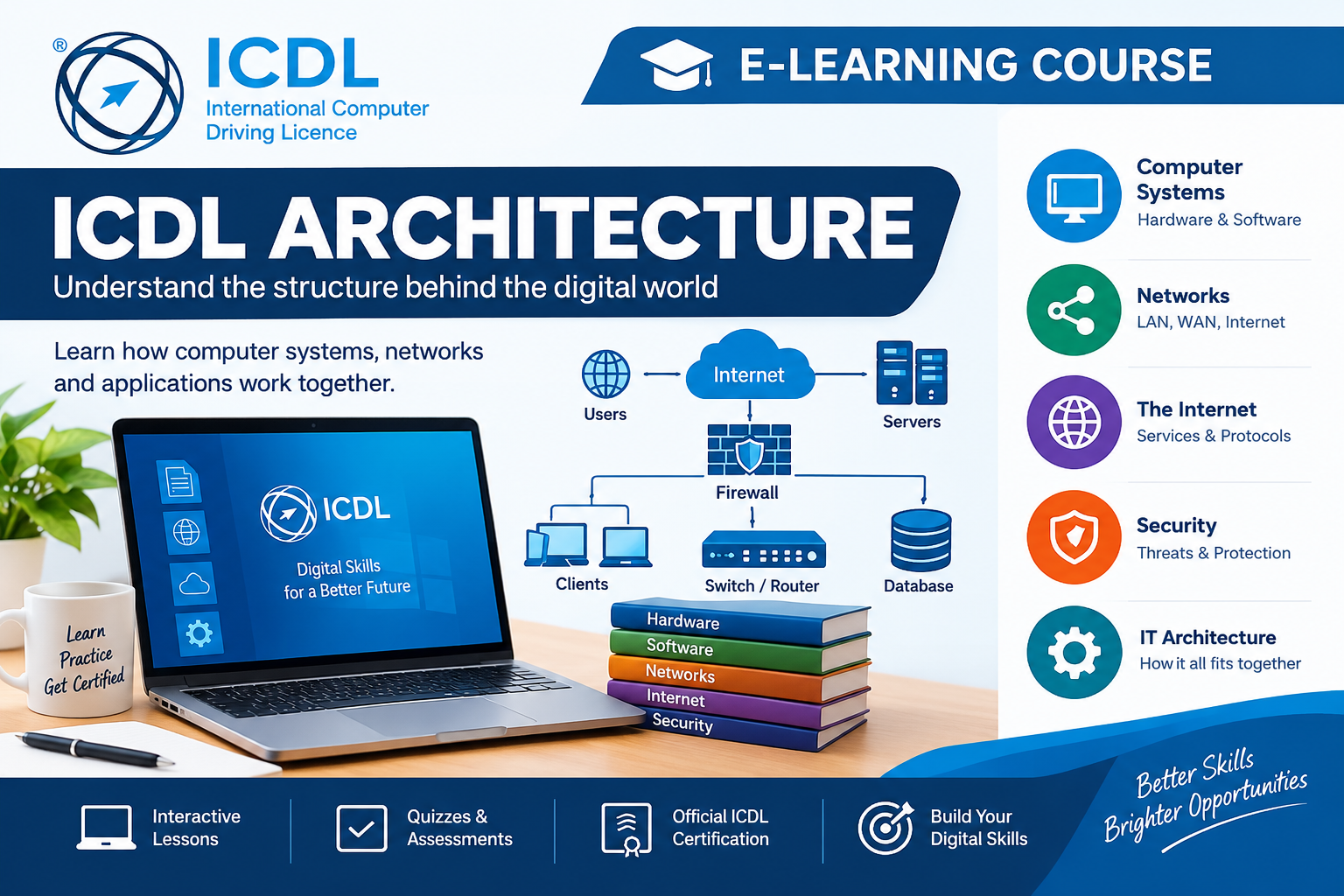
- Understand ICT Infrastructure: Explain essential computer hardware parts, software systems, and how fundamental networks function.
- Apply Productivity Software Tools:
- MS Word: Design, format, edit, and collaborate on professional academic papers and reports.
- MS PowerPoint: Build dynamic, engaging slide decks using proper visual hierarchy and multimedia elements.
- MS Excel: Organize data sets, deploy formulas and mathematical functions, analyze metrics, and build visual charts.
3. Module Outline & Course Schedule
| Unit | Topic Focus | Key Learning Activities |
|---|---|---|
| Unit 1 | INES Digital Platforms | Logging into the LMS, turning in assignments, and using student portals |
| Unit 2 | Introduction to ICT & Infrastructure |
.Hardware vs. software, file management, and navigating operating systems. |
| Unit 3 | Internet, Email, & Research | Smart search engine strategies, Outlook email protocol, and web safety. |
| Unit 4 | Microsoft Word | Text formatting, page layouts, tables, and automated tables of contents. |
| Unit 5 | Microsoft PowerPoint | Slide design layouts, formatting presentation imagery, and presenting smoothly. |
| Unit 6 | Microsoft Excel | Data entry, basic formulas (SUM, AVERAGE), sorting data, and building bar charts. |
- Teacher: Jean Paul DUSINGIZIMANA